
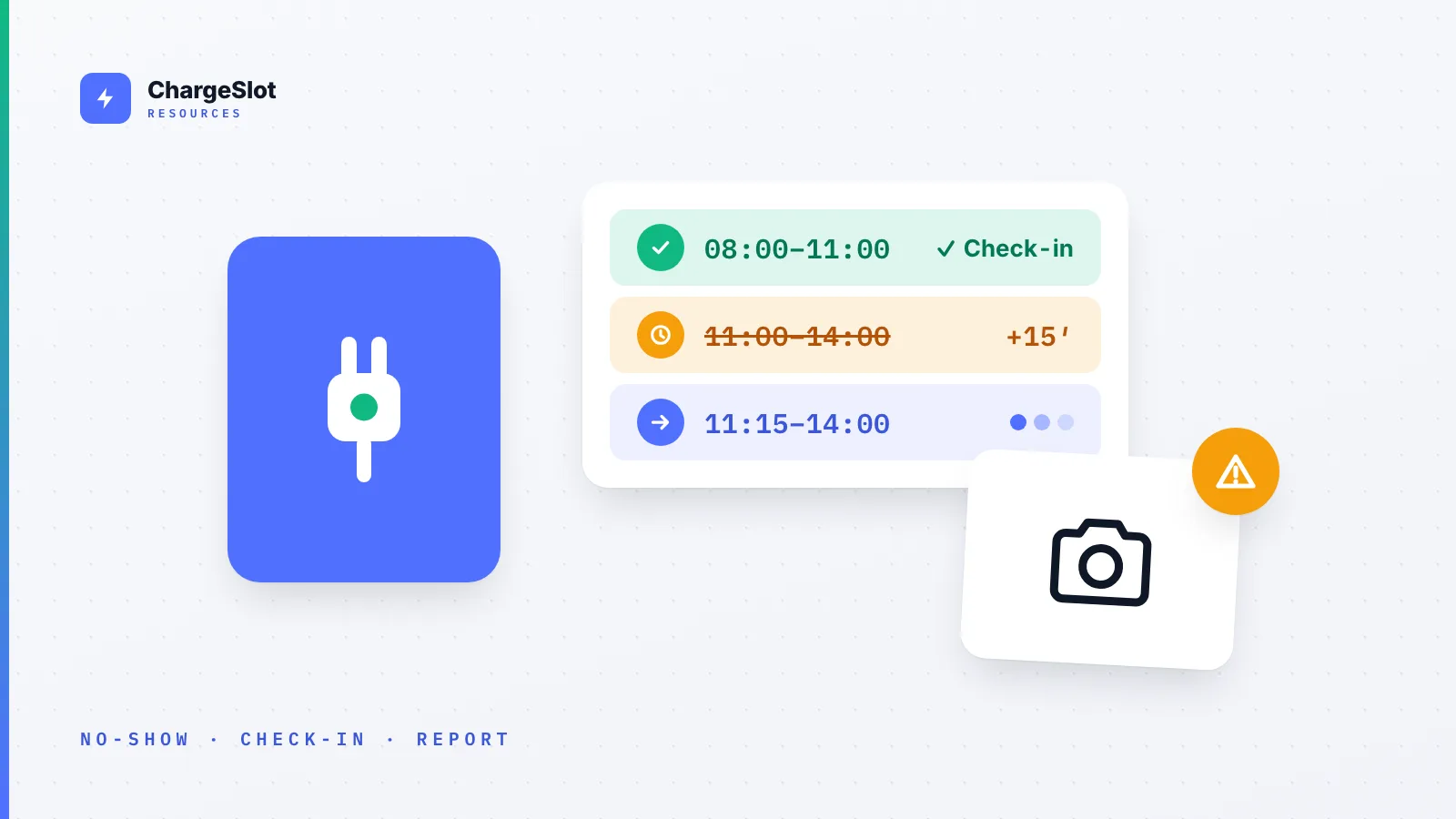
Blocked chargers and no-shows are two different problems with the same result: a charger sits idle while someone else needs it. No-shows are solved with a check-in and a short grace period, after which an unused booking is released automatically. Hogging is solved with a maximum duration per booking, a reminder before the end, and a clear way to report a blocked bay, with a photo, to whoever is responsible. To make it stick, put all of it in a written charging policy.
Two problems that look the same
When you walk up to a charger that's taken, or empty but reserved, all you see is: no charge for me. The causes are different, though, and so are the fixes.
- No-show: a slot is booked, but nobody turns up. The bay stays empty while others could have used it. Usually there's no bad intent behind it: a remote day, an off-site meeting, a forgotten booking.
- Hogging: a car is parked at the charger and isn't charging, or has stopped. Either the battery is full and nobody moved the car, or someone without a need to charge used the bay as a parking spot. Occasionally it's not even an EV.
Neither goes away with a polite email to all staff. You need rules that apply without anyone having to ask, and a way to handle breaches calmly instead of in the team chat.
Fix 1: check-in with a grace period
The most effective cure for no-shows is a simple confirmation: "I'm here." Whoever booked checks in at the charger. If they don't, the slot goes back into the pool once the grace period has passed.
Here's how it works in ChargeSlot:
- You set a grace period in minutes, per charger or for the whole organization. With no grace period, automatic release is off.
- The check-in window opens 10 minutes before the booking starts and closes when the grace period ends. Drivers check in with one tap in the web app, on their phone or at a desk.
- Without a check-in, the booking is released automatically. The driver who booked is notified, and the person at the front of the waitlist for that charger and day is told the slot is free.
- If the charger is connected and a car is drawing power, that counts as a check-in. Someone who is actually charging never loses their slot because they forgot to tap a button.
How long should the grace period be? Short enough that a released slot is still useful to someone else, long enough to cover traffic and finding the bay. 10 to 20 minutes is a sensible starting point. What matters more than the exact number is that everyone knows it and it applies to everyone.
Fix 2: a maximum duration and a reminder
A charger occupied from 8 am to 5 pm serves one car a day. Cap bookings at three hours and the same hardware can serve up to three. That cap is the second pillar:
- Maximum duration per booking: you decide how long a slot can be, and longer bookings simply can't be made.
- Reminders: drivers get a notification before their slot starts and before it ends, so moving the car becomes a habit rather than a surprise.
- Ending early: if someone is done sooner, they end the booking in the app. If enough time is left, the rest of the slot goes to the waitlist.
- Other limits: a cap on bookings per person per day, a limit on open bookings at once, and a booking horizon stop anyone from locking in the whole week in advance.
Fix 3: report it, don't argue about it
Even with good rules, sooner or later a car will be parked where it shouldn't be. What happens next is what counts. Notes under wipers and screenshots in group chats escalate quickly. A fixed reporting route to the people who can actually deal with it works better.
That's what "Report blocked bay" in ChargeSlot is for:
- The driver takes a photo, which is required. A report without evidence is just a rumour, and nobody should be sent to the car park on a hunch. A short note is optional.
- The responsible team, facility management or building management, is notified straight away and sees the photo, the charger and the time in one list, where they also close the report.
- There is only ever one open report per charger. The second person to find the same car sees it has already been reported, and when. The team doesn't get flooded with duplicates.
- A per-hour limit keeps reports from becoming a weapon. Photos are stored privately and deleted automatically a while after the report is closed.
A personal conflict turns into a routine task. The person reporting doesn't have to confront anyone, and whoever is responsible decides by the rule, not by who complains loudest.
Fix 4: write the rule down
Check-in, grace period, maximum duration and reporting only work if everyone knows them. So write down how long people may charge, what happens without a check-in, who handles reports, and what follows repeated breaches. Our guide How to Create a Workplace Charging Policy walks you through it, and there's a free template you can adapt.
Checklist
- Grace period for check-in set and communicated?
- Maximum duration per booking chosen to fit the charging power?
- Daily booking limit per person agreed?
- Team responsible for reports named?
- What happens after repeated breaches written down?
- Policy shared with every driver?
FAQ
What if someone is stuck in traffic?
That's what the grace period is for. Anyone who knows they won't make it at all cancels the booking themselves, and the slot is free again immediately.
Do we need a particular charger?
No. Check-in, release and reporting work without any connection to the hardware. If the charger is connected, an active charging session also counts as a check-in.
Should no-shows be penalized?
Usually automatic release is enough, because a lapsed slot no longer costs anyone anything. For repeat cases, a quick conversation works better than a list of penalties. The key is that the rule is agreed beforehand.